For paint party instructors
Plan your next paint party in minutes.
Built by an instructor, for instructors. We're your companion, not your competition.
What the Creator App does for you
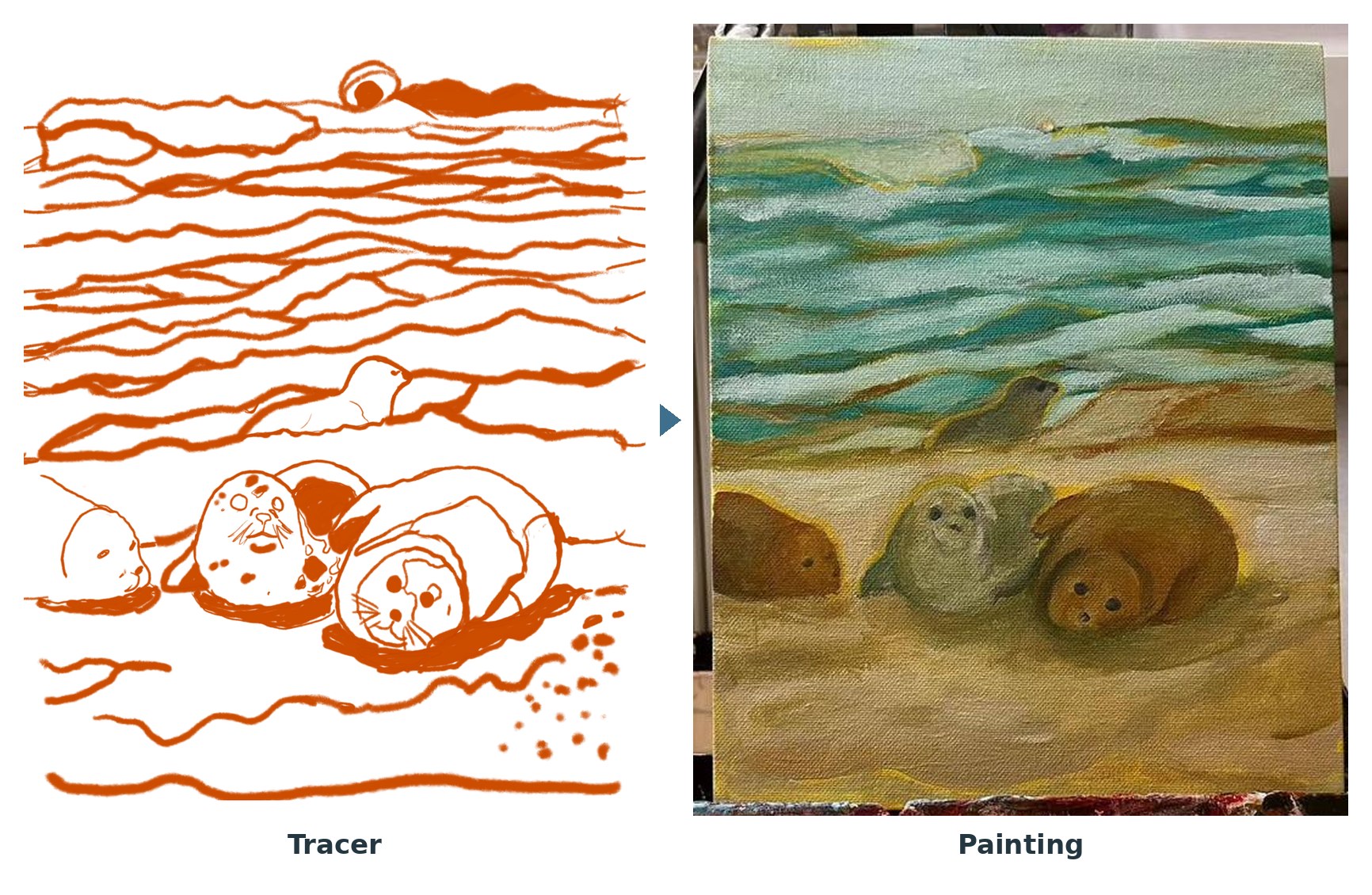
Tracer from any photo
Upload a photo or a finished painting and get a clean outline to trace onto canvas. Refine it by hand on your iPad.
Color recipes
Mixes written the way painters think, built only from the paints you own.
Steps and kit lists
Printable step-by-step instructions, kit lists, shopping lists, and a pre-party checklist.
Pricing
White Label add-on
$79
Your logo and branding on the app and every printout, plus marketing templates. Requires an active Tools Subscription.
Coming soon. Email to be firstWorks on computer and iPad, not phones. No free trial. Cancel anytime. Payments are non-refundable, so please run the free device check first.
Questions
Who is this for?
Paint party instructors first, and anyone who wants to design their own paintings or at-home kits.
What devices does it work on?
A computer or iPad in a current browser: Chrome or Edge 111 or newer, Firefox 115 or newer, or Safari 16.4 or newer. It does not work on phones at this time.
How do I get started after subscribing?
Your license key arrives by email with simple setup steps. Then open app.saltandpaint.com on your computer or iPad.
Do I need an AI subscription?
No. The app works on its own. Connecting your own AI key is optional.
Can I cancel?
Yes, anytime. Payments already made are non-refundable.
Need help?
Email shauna@saltandpaint.com.